
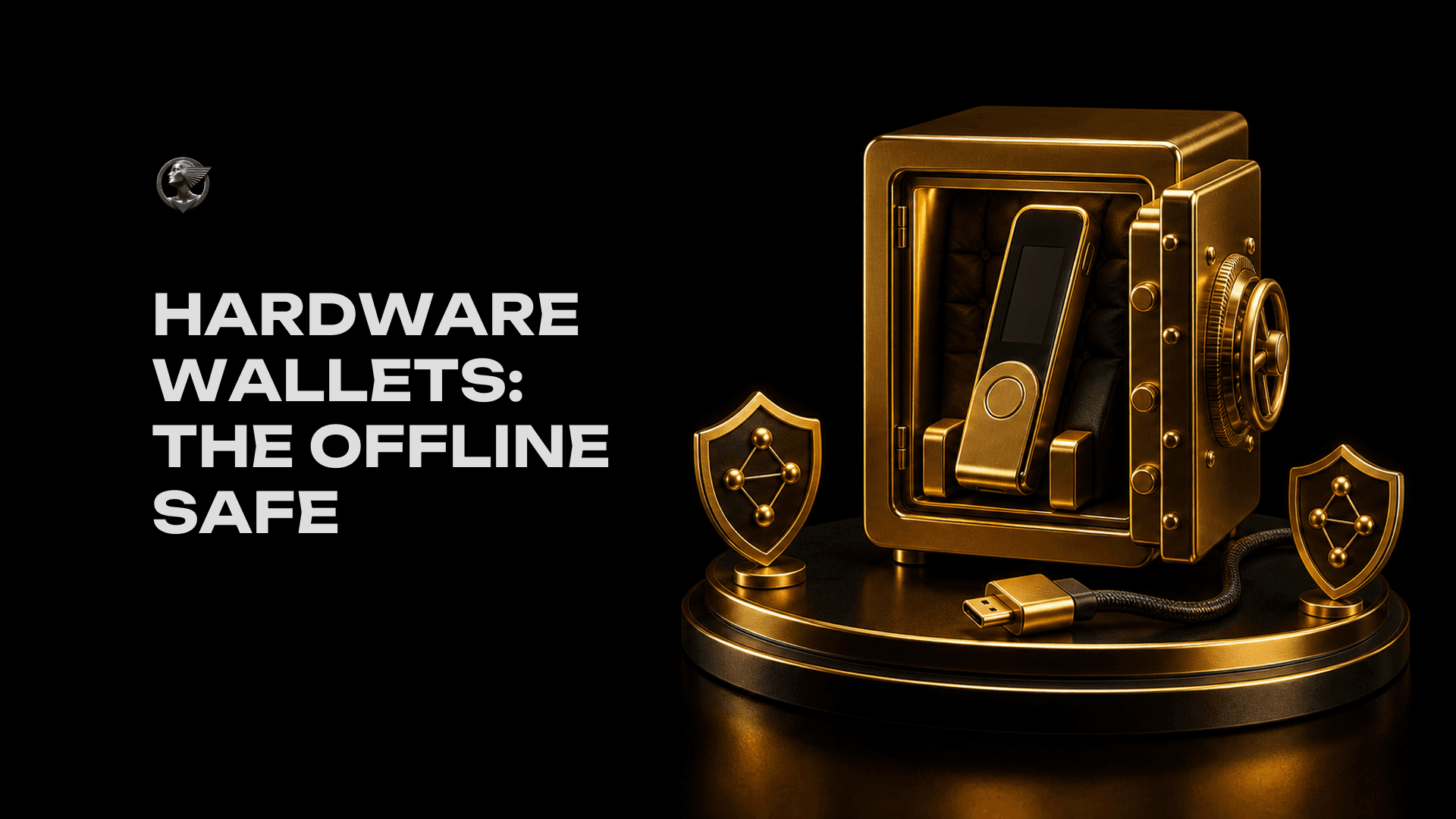
Hardware wallets: the offline safe
A small device that keeps your keys offline and signs transactions only when you press a button. When it is worth the cost, when it is overkill, and the small but important distinction between storing crypto and signing for it.
A hot wallet on your phone or browser is convenient. It is also as safe as your phone or browser is on its worst day. If a malicious extension sneaks in, if you click the wrong link, if your laptop picks up something, the wallet sits on the same machine that has been compromised.
A hardware wallet solves this with one simple idea. The private keys live on a separate small device that is not connected to the internet. The device is the only thing that can sign transactions, and it only does so when you press a physical button. Even if your computer is completely owned, the keys cannot be extracted because they were never on the computer in the first place.
What it actually looks like
A hardware wallet is a small device, often about the size of a USB stick, sometimes with a small screen and one or two physical buttons. Common brands include Ledger, Trezor, and a few newer ones (Keystone, Coldcard, GridPlus). Prices run roughly $60 to $250 depending on features.
You plug it in (or pair over Bluetooth/NFC, depending on the model) when you want to do something. The wallet app on your computer or phone sends the transaction over. The hardware device shows you the details on its own little screen. You press the button to confirm. The signed transaction goes back to the app and out to the network. The private key never leaves the device.
- App builds the transactionon your computer
- Sent to the hardware deviceover USB or Bluetooth
- You verify on the screenand press confirm
- Signed transaction returnsbroadcast to the network
When it is worth buying one
There is no fixed threshold, but a reasonable rule of thumb: if losing what you have on a hot wallet would seriously change your year, get a hardware wallet. For some people that is $500. For others it is $5,000. The price of the device is small compared to the cost of being wrong about that line.
You do not need to put everything on the hardware wallet. The standard pattern is to keep a small "spending" balance on a hot wallet for daily activity, and the larger "savings" balance on the hardware wallet. The hot wallet is your wallet you carry around; the hardware wallet is the savings account.
When it is overkill
If you have $50 of crypto for the purpose of learning what swapping and signing feel like, a hardware wallet is not necessary. The cost of the device exceeds what you would lose in the worst case. A clean hot wallet on a clean device is fine.
Some signs you may not need one yet:
- You are still experimenting with small amounts to learn how things work.
- You actively trade and move funds many times a week (a hardware wallet adds friction every time).
- You hold a small amount that you would not feel painfully if it disappeared.
And some clear signs you should have one:
- Your hot wallet balance is now uncomfortable to lose.
- You are holding for years, not weeks.
- You have been clicking around DeFi apps and signing things you do not fully understand.
- You have read a story about a wallet drainer and felt your stomach drop.
Buying and setting one up safely
Hardware wallets are physical products, which means they have a supply chain. Most of the high-profile theft stories around them come from devices that were tampered with before they arrived. The defenses are simple but boring:
- Buy directly from the manufacturer, or an authorized reseller listed on the manufacturer's site. Not Amazon. Not eBay. Not a friend of a friend.
- Check that the box is sealed when it arrives. If there is any sign of tampering, do not use it.
- Set it up yourself. The device must generate a new recovery phrase in front of you. If a "wallet" arrives with a recovery phrase already written on a card inside the box, the device is a scam and the card was set up by the thief.
- Update the firmware before you load real funds.
- Test it. Send a small amount to the device, then send it back to a wallet you control. Confirm everything works before moving meaningful amounts.
Storing the device vs storing the keys
A small but important distinction. The hardware wallet is a tool. The keys are the value, and the keys are also backed up by the recovery phrase from the previous lesson. If the device breaks, gets lost, or melts in a house fire, you restore everything from the recovery phrase onto a new device.
That means two things:
- Losing the device is not the end of the world if you still have the recovery phrase backed up safely.
- Losing the recovery phrase AND the device at the same time is the end of the funds. Permanent.
- Anyone who finds the recovery phrase can restore the wallet onto their own device and drain it, even without your hardware wallet ever being present.
Many beginners assume the hardware wallet is a vault that holds the actual coins. It is not. It is a key-handling device. The vault is the recovery phrase, which is why we spent the previous lesson on it.
Reading what you sign
Here is the part that most people miss. A hardware wallet protects you from a compromised computer extracting your keys. It does not protect you from happily signing a malicious transaction. If a website tricks you into approving a transaction that drains your wallet, the hardware wallet will dutifully sign it because you pressed the button.
This is why the screen on the device matters so much. Always read the transaction on the hardware wallet itself, not just the website. The screen is the only part of the chain that has not been compromised. We will go deeper on this in the lesson on crypto scams.
A practical first setup
If you are buying your first hardware wallet, here is the minimum sequence that gets you the safety without the rabbit hole:
- Order one Ledger, Trezor, or similar from the official site.
- Set it up alone, generate the recovery phrase, write it on paper.
- Test the recovery by wiping the device and restoring from the phrase. (Yes, do this before you put real money on it.)
- Move a small amount of crypto in. Confirm.
- Move the rest of your long-term holdings in.
- Once the wallet is holding more than you could comfortably lose, copy the recovery phrase onto a metal backup, and consider a second storage location.
A hot wallet trusts your computer. A cold wallet trusts only your eyes and your finger on a button.
The next lesson is about a different category of risk: not losing your keys, but choosing whether to even hold them yourself, or to leave the work to an exchange.